Create Fast, Edit Deep
Design-ready workflows for image editing, asset generation, and consistent character production at scale.
1 / 3
GPT Image 2 - Advanced Visual Studio
Build ad creatives, banners, posters, social covers, and character story series with one compact production flow.
GPT Image Editor
Type one prompt and get campaign-ready visuals.
Live Output
1 / 6
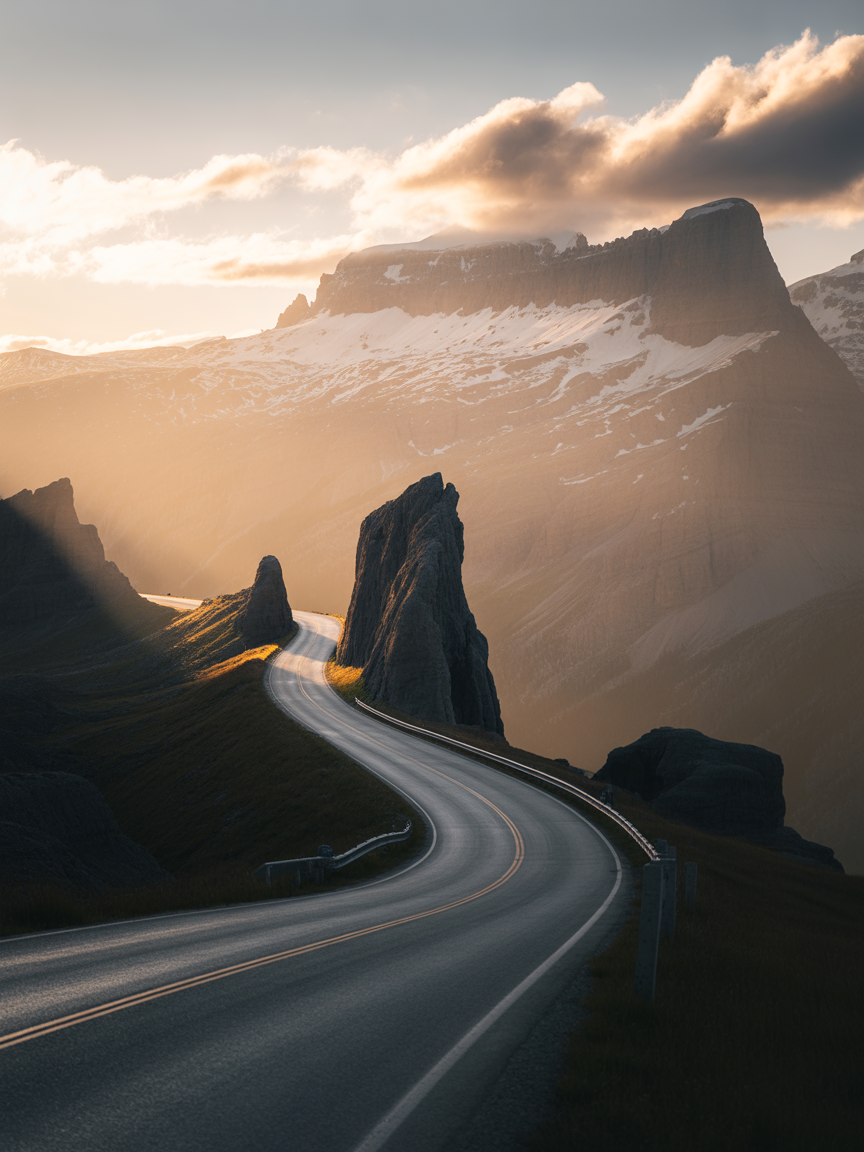
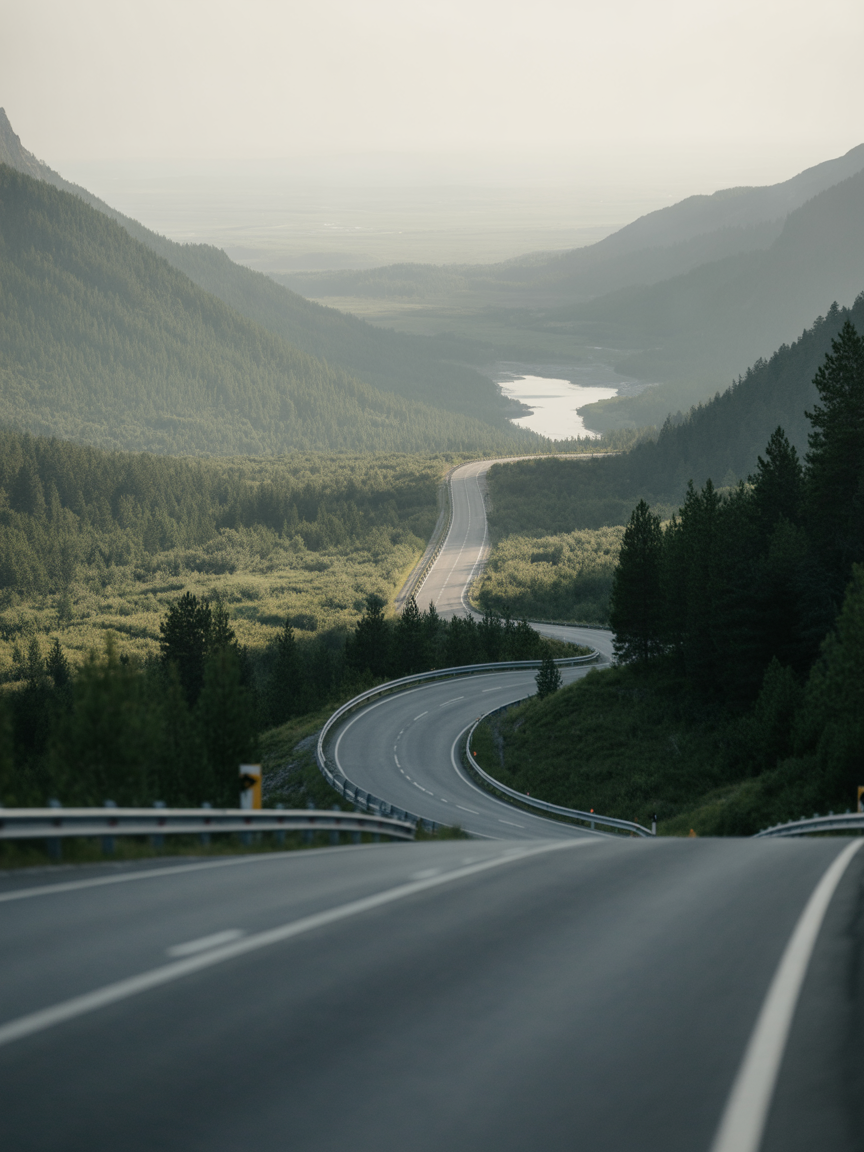
Landscape Grade Upgrade
Prompt: “Keep composition, push cinematic contrast, richer cloud layers, and cleaner road detail.”
Ready.
Generated results will appear here after you click Generate.
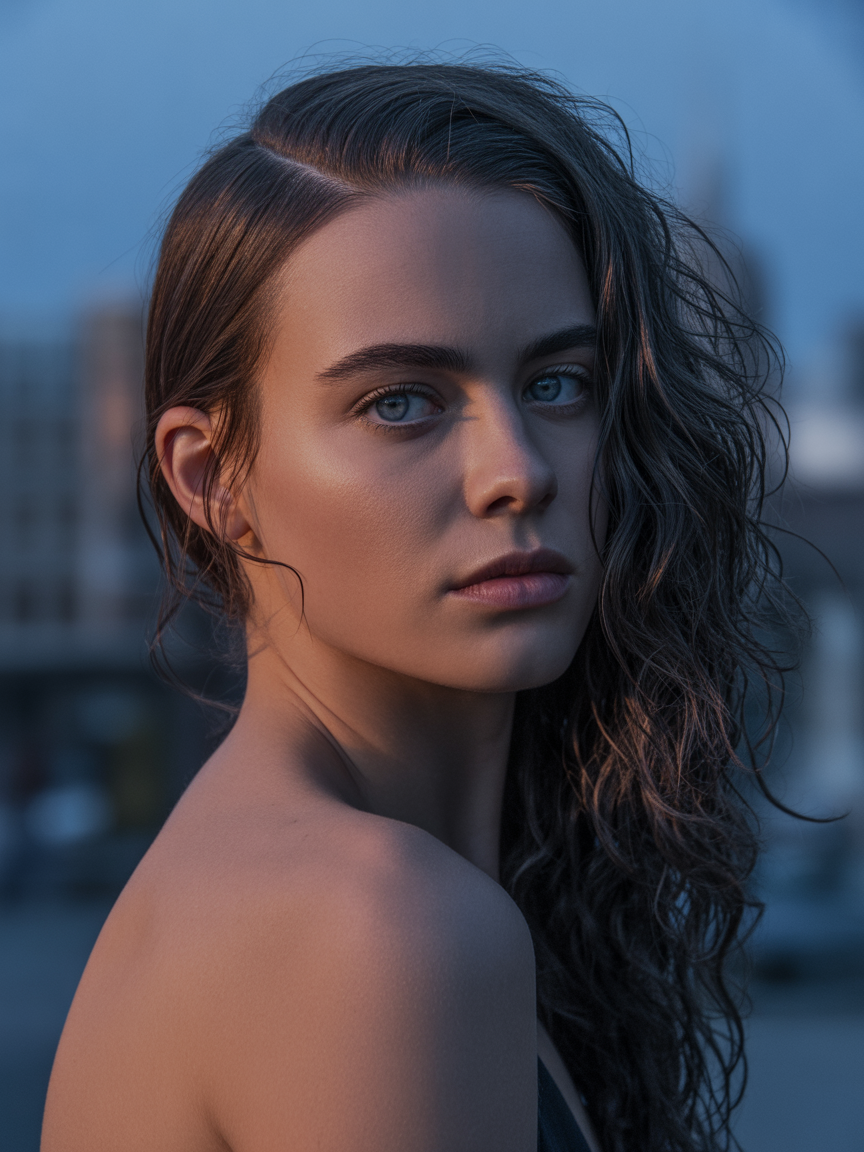
IP Character Color Pass
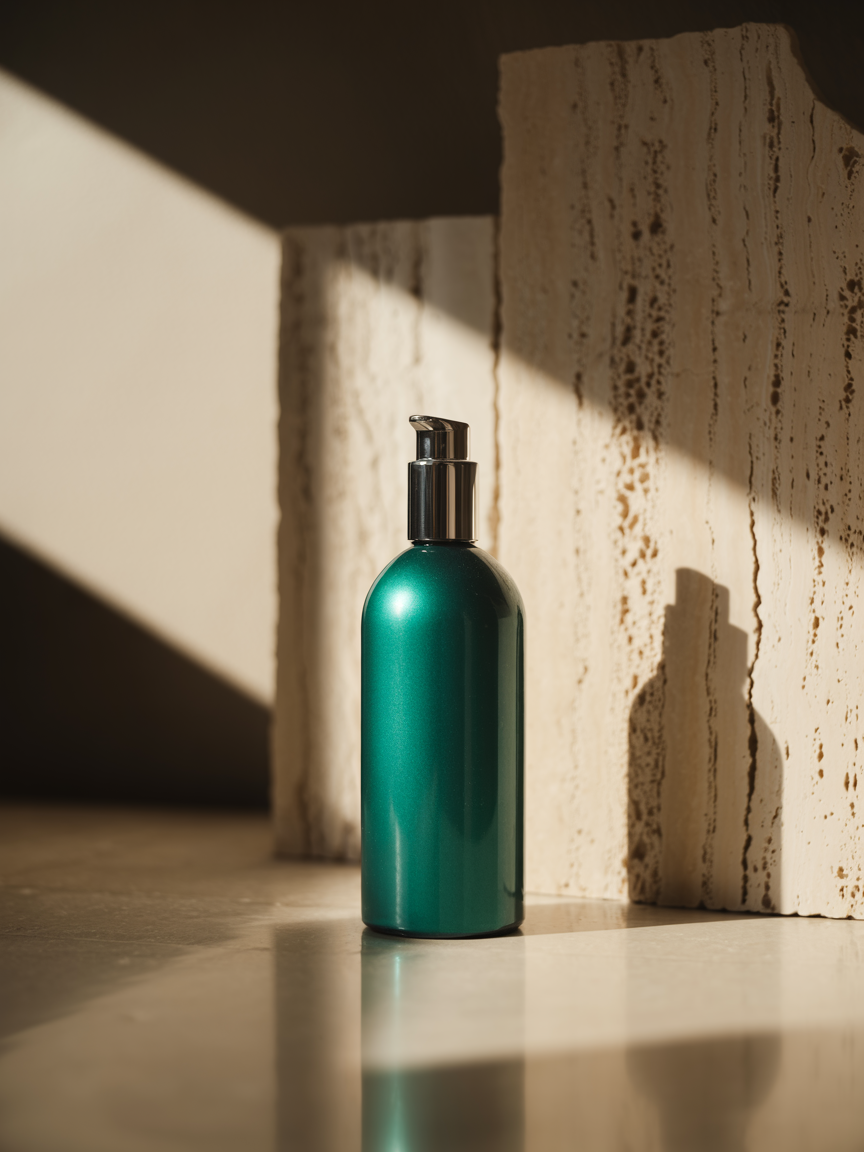
Product Scene Restyle
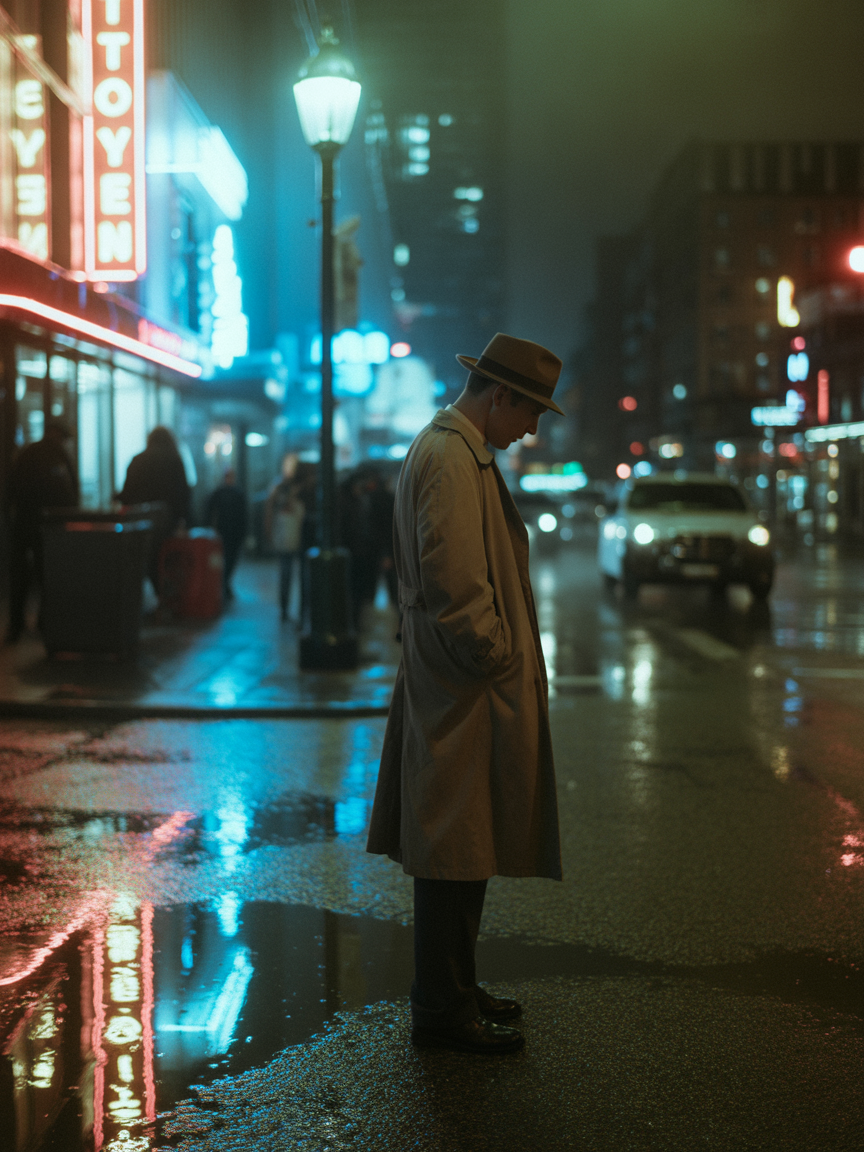
Street Mood Transfer
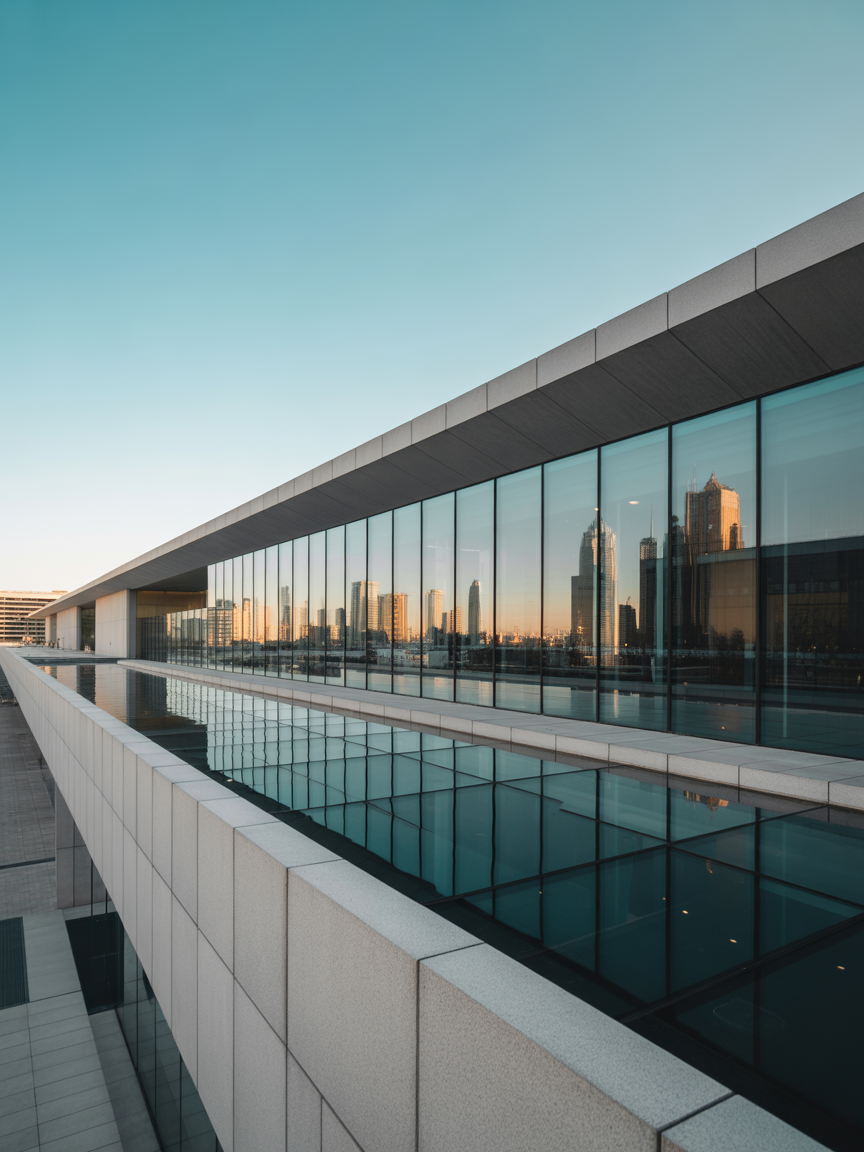
Architecture Refinement
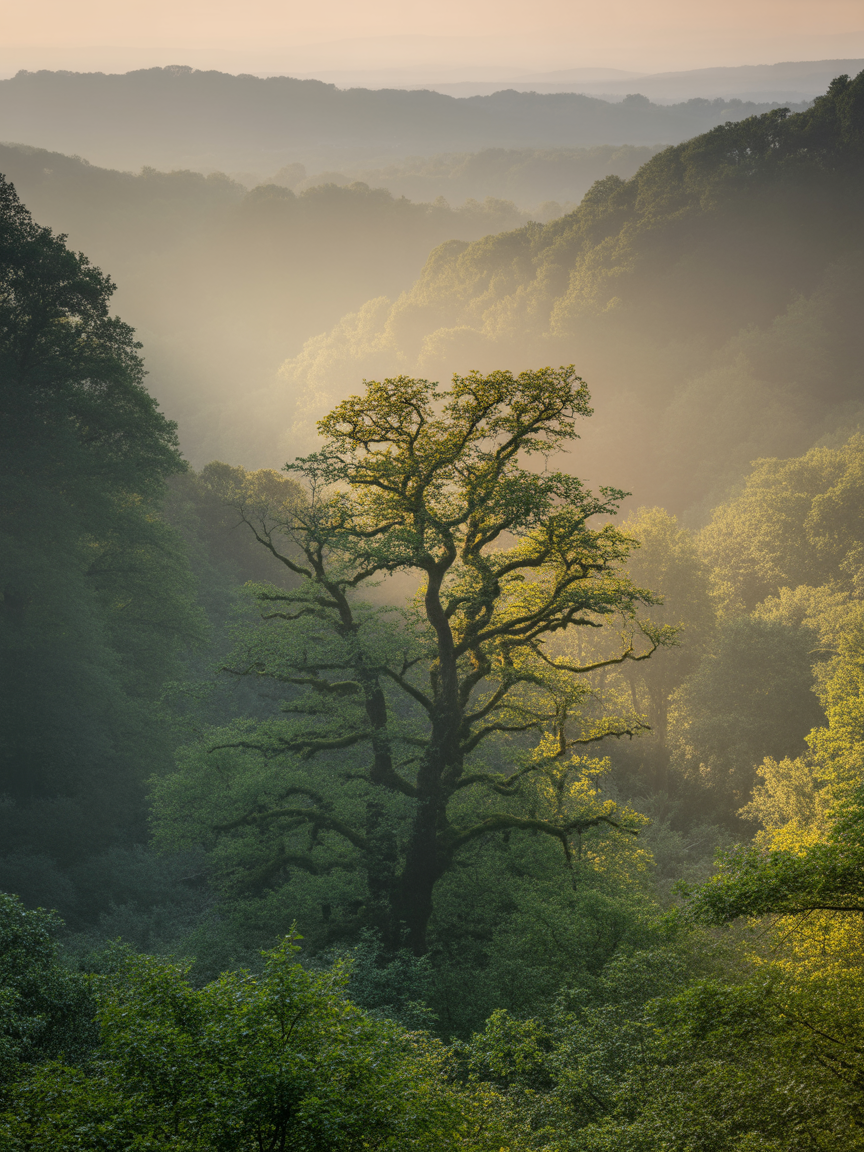
Nature Atmosphere Polish
Landscape Grade Upgrade
Case Workflows
Six production-ready case formats with real visuals, optimized for launch pages and campaign teams.
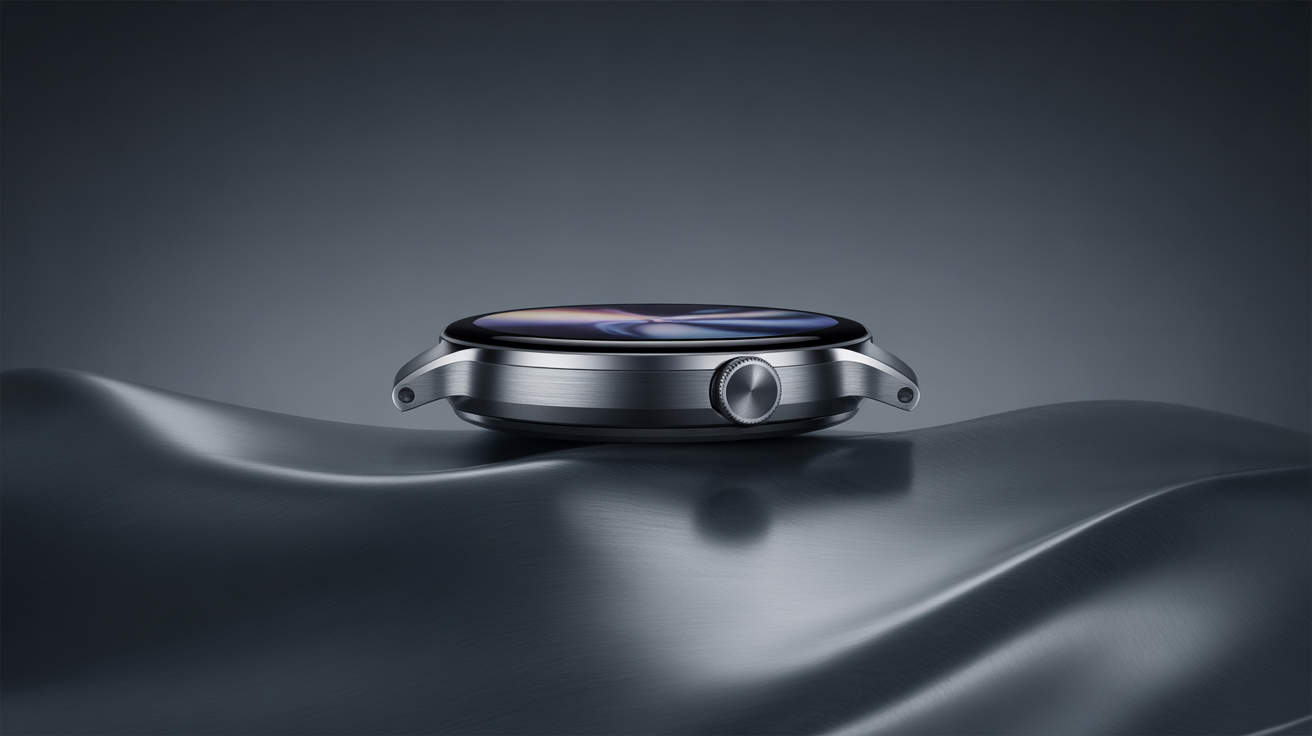
Ad Creative
Build high-conversion ad visuals with product focus, controlled highlights, and clean headline-safe composition.
- Product-focused lighting
- Copy-safe composition
- Commercial-ready tone
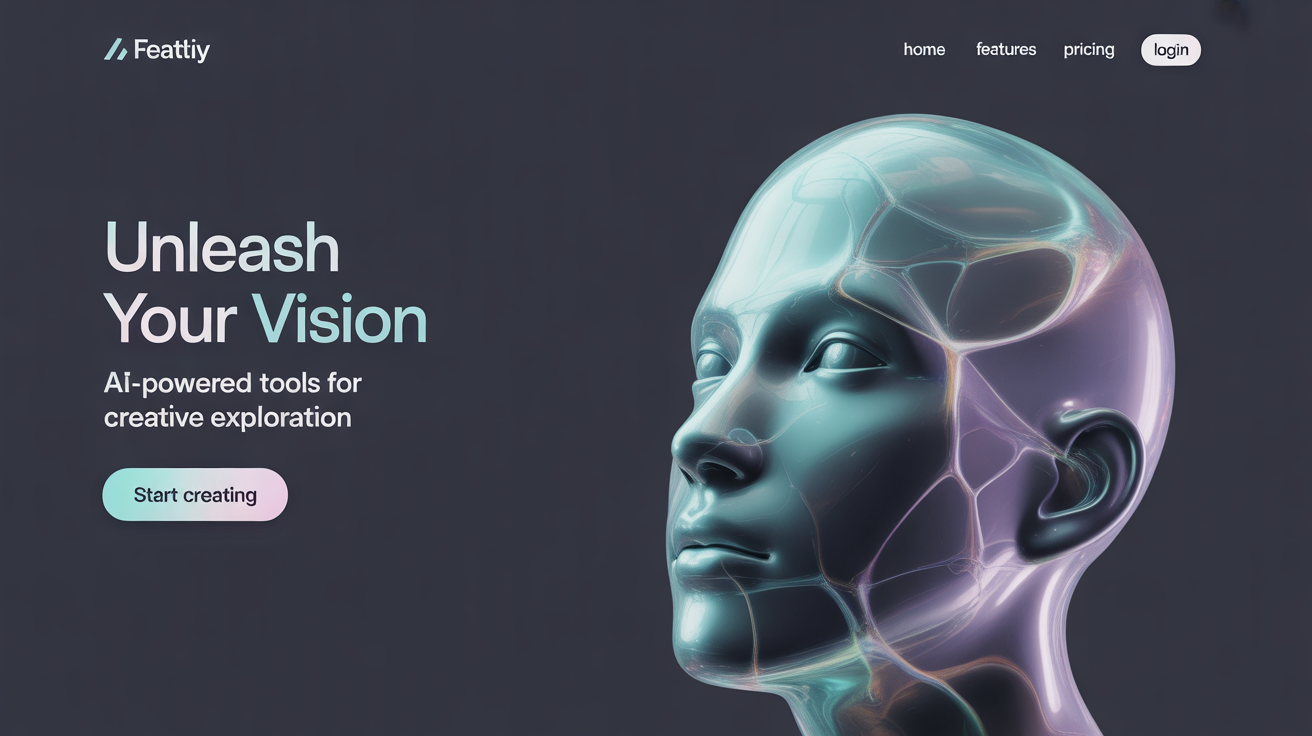
Website Banner
Generate hero banners with clear visual hierarchy and dedicated text-safe area for direct landing page use.
- Balanced focal structure
- Text-safe left area
- Brand-consistent color mood
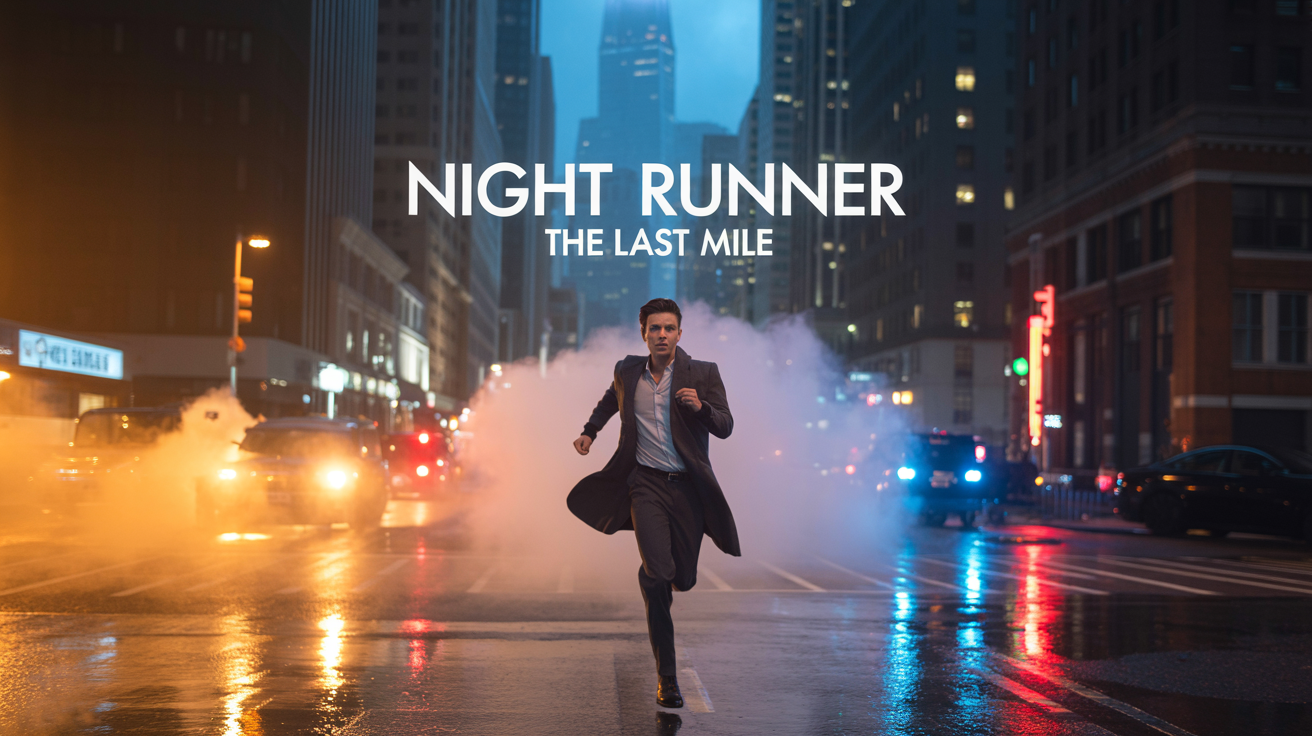
Poster
Create stylish cinematic poster visuals with hero character attitude, dramatic city lighting, and built-in title typography energy.
- Hero-driven cinematic style
- Built-in title typography vibe
- High-impact launch visual
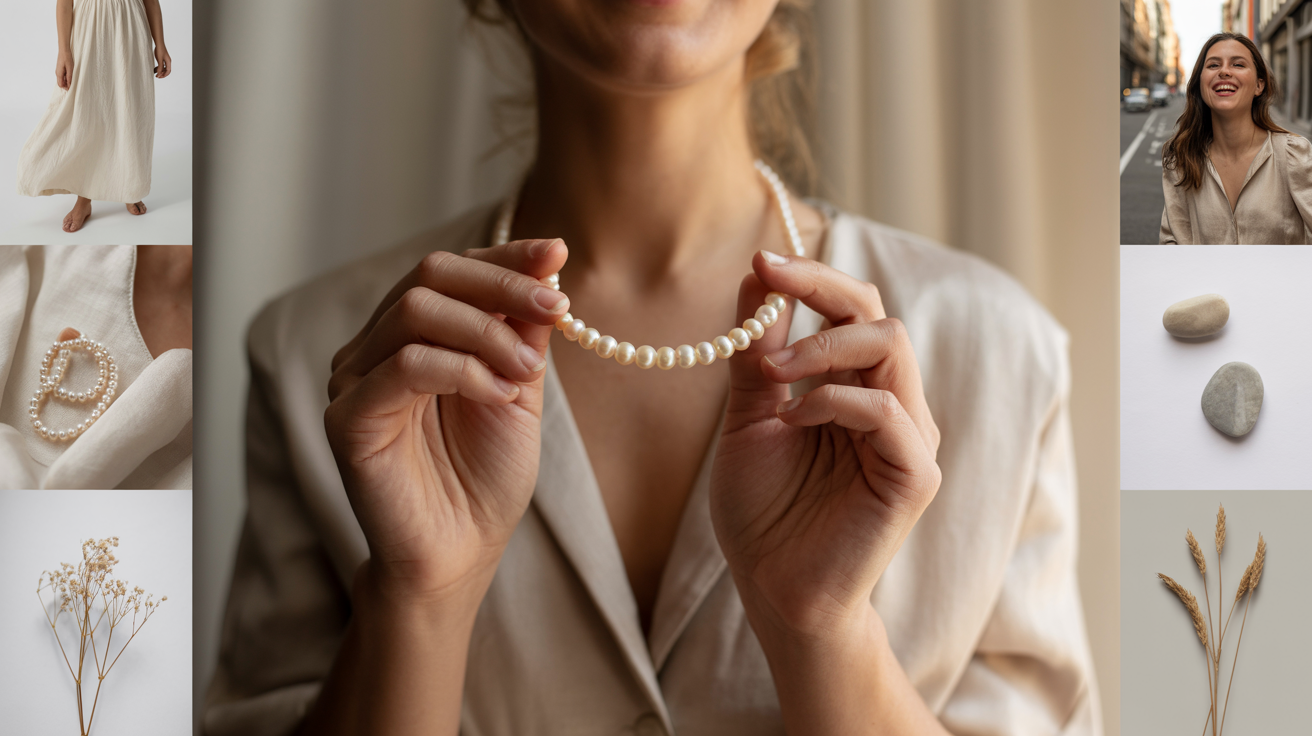
Social Cover
Produce launch-ready social covers inspired by Instagram/TikTok aesthetics with trendy collage composition and strong first-screen appeal.
- Trend-driven cover style
- Collage-first composition
- Platform-ready visual impact
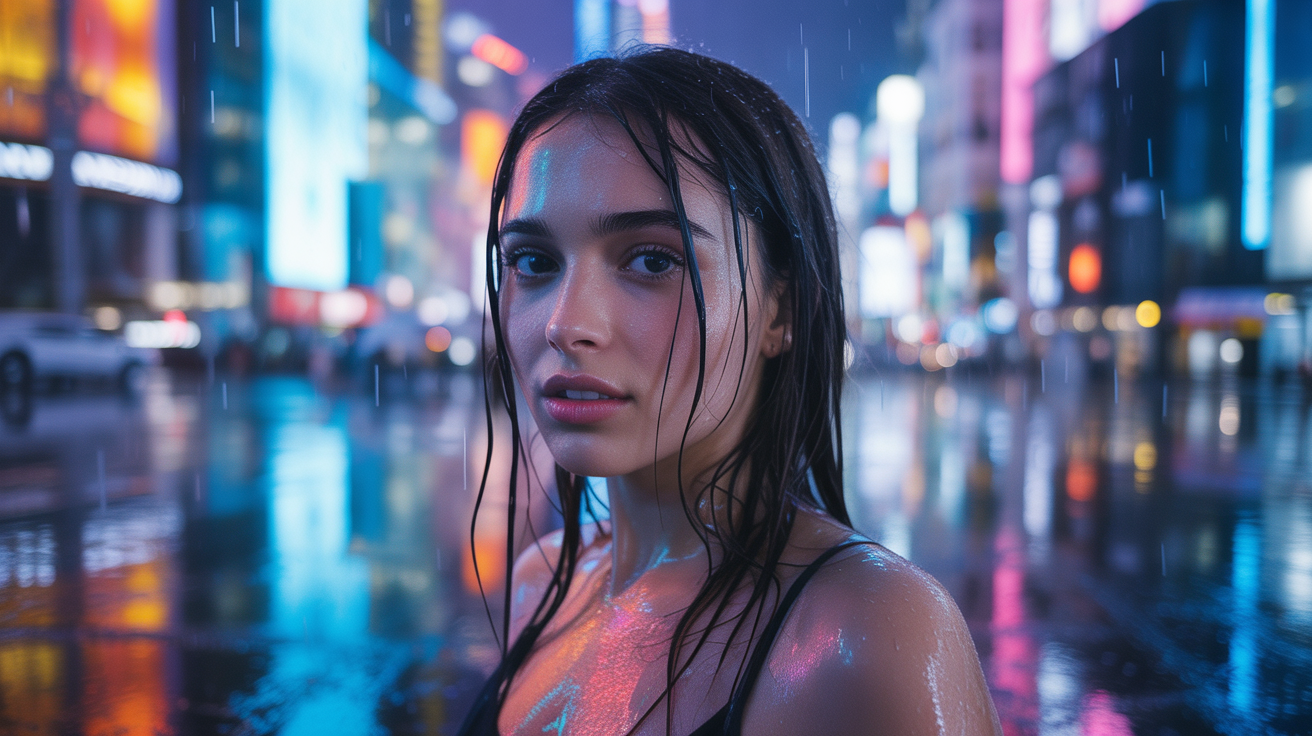
IP Character Story Arc
Keep one character identity consistent while expanding scene style, lighting mood, and narrative context.
- Identity lock
- Scene continuity
- Series-ready output
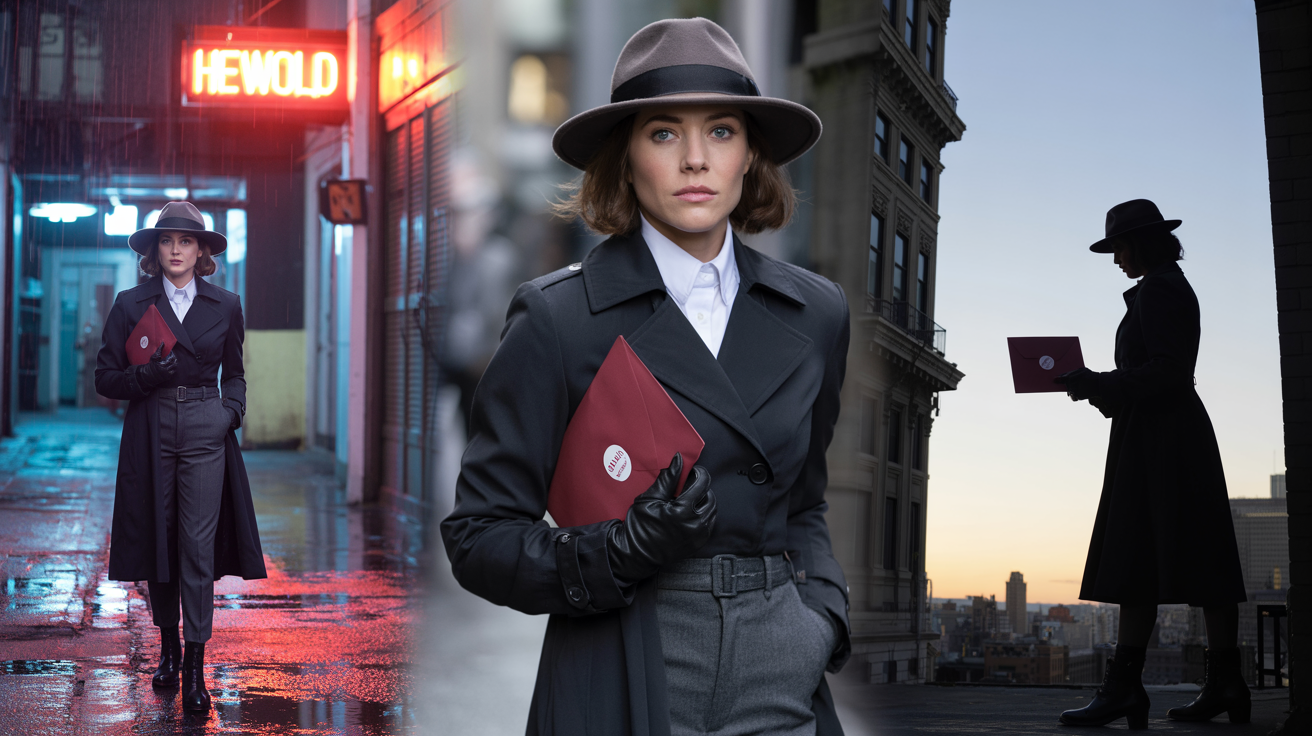
Series Content
Build continuous-storyline content by keeping the same protagonist across connected episodes with clear narrative progression.
- One character, multiple scenes
- Episode-to-episode continuity
- Series content (continuous storyline)
How It Works
1. Choose generation mode
Pick Text-to-Image, Image-to-Image, or Character Consistency based on your task.
2. Add prompt and references
Write a direct instruction. Add a reference URL when you need style transfer or identity lock.
3. Generate, compare, iterate
Review output, continue editing from any result, and export production-ready assets.
FAQ
How do I get cleaner text rendering in images?
Use short, explicit prompt language and keep one clear layout objective per generation.
What is best for banners and social covers?
Use Text-to-Image with composition hints like 'copy-safe area on left' and 'high readability title zone'.
How do I maintain one IP character across scenes?
Start from Character Consistency, keep facial and outfit constraints in prompt, and iterate from the same reference output.
Can I continue editing a generated image?
Yes. Click Continue Edit on any result card to feed it back as a reference and generate the next version.